Do Apple Watches have compass installed?
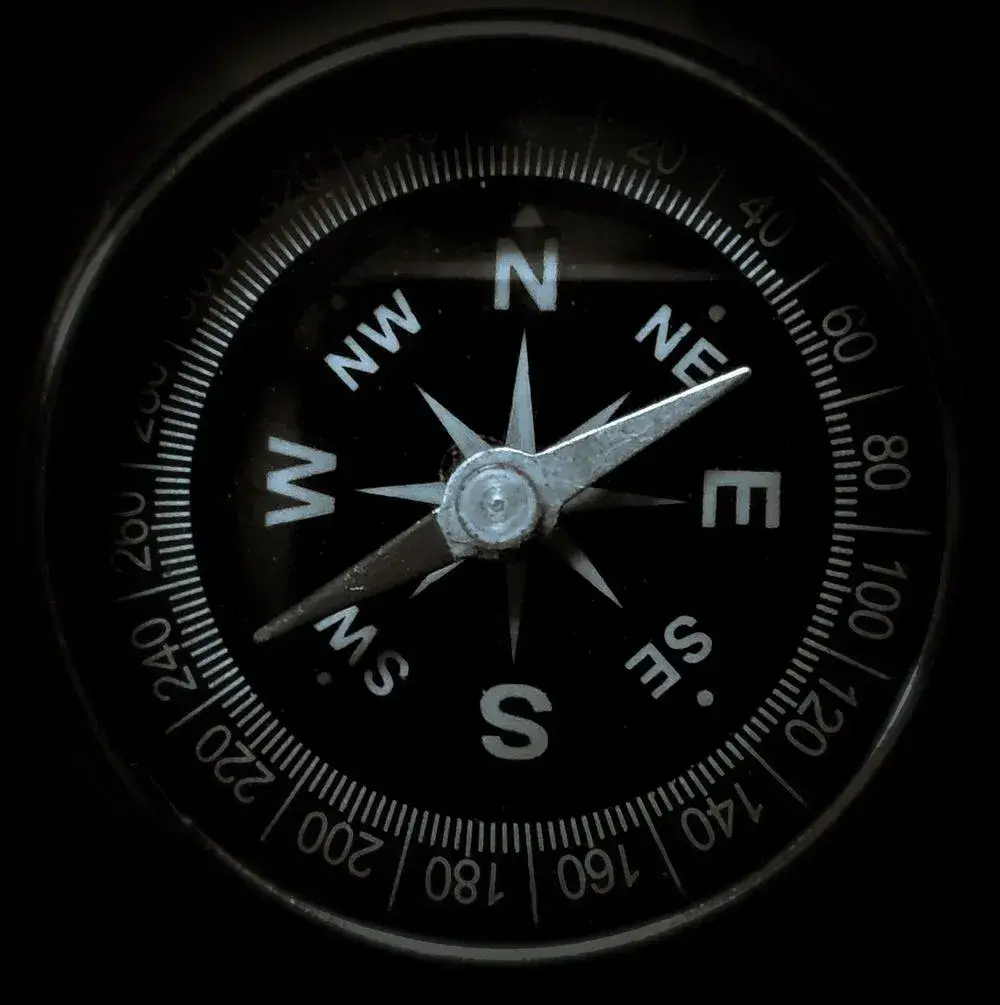
Are you an outdoor person who loves to go hiking, camping, or biking? When packing your outdoor gear, make sure to include your Apple Watch. The Apple Watch has a compass that may be handy when you’re out and about.
This blog post will discuss everything you need to know about the Apple Watch compass.
What is the compass app on Apple Watch and what does it do?
The compass app on Apple Watch is a built-in tool that uses the device’s magnetometer to determine your location and direction. You can use it to find your way around when you’re lost or to ensure you’re going in the right direction while hiking or driving.
The compass app can also be used to know your inclination and altitude. The compass app will show you the bearing and direction when you first open it. If you are familiar with the area, you simply need the compass app to check your direction and location when navigating. If not, you will need to use a map with the compass app to navigate efficiently.
With a map, you simply need to find a location you want to navigate from your present location. From your location, obtain the distance and directional bearing of the location (to be navigated to) on the map. Then, simply use the watch to follow the bearing and navigate correctly to this location.
How do I find the compass on my Apple Watch?
Compass is an app that is found among the apps on your Apple Watch. Simply press the digital crown to see all the apps on your Apple Watch, look for the compass app and tap on it.
Please note that the compass app is only available for Apple Watch SE and Apple Watch 5 or later. If you cannot find the compass app, you will need to install it on the connected iPhone. This is because the compass app gets removed if you remove the app from your connected iPhone.
How to use the compass on your Apple Watch
On your Apple Watch, open the Compass app. The app displays the general direction that the top center of your watch is facing while showing your bearing in the top left corner. By default, the compass app points to the Magnetic North due to the magnetic readings obtained by the watch’s sensors.
To get more accurate readings, hold your watch flat so that the crosshairs of the compass can line at the center of the watch. As you start to move around, a red cone will appear around the compass needle. The narrower this red cone, the more accurate the compass is, and vice versa. Roll the digital crown to see your height above sea level, angle, and location coordinates.
If you turn off your device’s location services, Compass won’t show elevation or coordinates. Go to the Settings app on your Apple Watch, tap Privacy, tap Location Services, and then tap Compass to turn on or off Location Services.
Add a bearing to Apple Watch Compass
To add a bearing, rotate the Digital Crown upwards, then select Add Bearing. Turn with your Apple Watch until you are at the required bearing, then press Done.
Edit a bearing in Apple Watch Compass
To edit a bearing, rotate the Digital Crown upwards, then select Edit Bearing. Turn your Apple Watch until you are at the required bearing, then press Done.
Clear the bearing in Apple Watch Compass
To clear the bearing that the watch is presently set to, rotate the Digital Crown upwards, then select Clear Bearing.
Does the Apple Watch Series 4 have Compass?
No, the Apple Watch Series 4 does not come with a default compass. The compass app is included by default with Apple Watch Series 5 and later. Although you can install a third-party compass app from the app store, which also offers a watch app.
However, be aware that it may not be as accurate or as functional as the default compass app in Series 5 or later. Simply search through the app store for compass apps, and keep looking below the app icons for the ones with the phrase “offer Apple Watch apps.” Also, you may need to use your iPhone to view directions for the app.
Can I Download the compass app on the Apple watch series 3?
Just like the Apple Watch Series 4, the compass app is not natively available on the Apple Watch Series 3. However, you can find and download a third-party compass app that may work with your device in the App Store.
Search for “compass” in the App Store and look for an app that is compatible with your watch using the same instructions in paragraph 4. Once you’ve found an app, download it and follow the instructions to get started.
Why you might want to use the Compass on your Apple Watch
There are a few different reasons why you might want to use the compass on your Apple Watch.
First, if you’re ever lost in an unfamiliar place, the compass app can help you orient yourself and find your way back to where you need to be.
Also, hikers and other people who like to be outside and explore can use the compass app to figure out where they are and where they are going.
Finally, the compass app can also help you know your location if you need help from emergency services.
So, if you find yourself in any of these situations or any others where knowing which direction you’re facing would be helpful, be sure to pull out your Apple Watch and try the compass.
How accurate is the compass on Apple Watch compared to other compasses?
When it comes to compasses, accuracy is key. After all, no one wants to get lost while out on a hike or other outdoor adventure. So, how does the compass on the Apple Watch stack up against other compasses?
According to a little experiment conducted by a band of hikers on the Otter Trail in South Africa in 2019, the compass on the Apple Watch was just as accurate as a lensatic compass that was used during the hike. However, it’s important to remember that all compasses are susceptible to errors, so it’s always a good idea to have a backup plan in case you get lost.
Also, note that magnetic materials in some Apple watch bands, like the Milanese loop, Leather Loop, and Modern Buckle, can affect the accuracy and readings of the Apple watch compass. That’s because the magnetometer in the Apple Watch could confuse the magnetic pull of the band with that of the planet. This would make it hard for the compass app to tell you which way to face.
How does the Apple Watch’s compass work compare to other features like GPS?
The Apple Watch’s compass is a useful tool for telling directions, but it’s not as accurate as some other features on the watch, like the GPS. The compass relies on the Earth’s magnetic field to function, and because the field is always changing, so is the compass.
However, the watch’s GPS system is much more accurate. It uses satellite data to pinpoint your location and can even account for things like buildings and roads. So, if you’re looking for directions, the Watch’s GPS system is probably your best bet. But if you just want to know your bearing, elevation, or inclination, the compass will do just fine.
However, while hiking or camping, the GPS and Map features may become ineffective because they require a wifi or cellular connection, and you may be in an area without either. In this situation, the compass becomes a very handy app to use.

Wrap up
The Apple Watch does have a compass. It can be assessed by pressing the Digital Crown on the side of the watch.
The compass can be used to help you orient yourself when you’re lost or find your way back to where you started. Additionally, the compass can be used in conjunction with the maps to navigate to different locations when outdoors.
With the addition of the compass to newer models of the Apple watch, it will have even more functionality and can help keep you safe and oriented while hiking or camping. Thanks for reading.
I hope you enjoyed the article.
For more featured articles like this, click on the home page.